

Steam & PC Games
Digital Steam keys — activate directly in your Steam library.
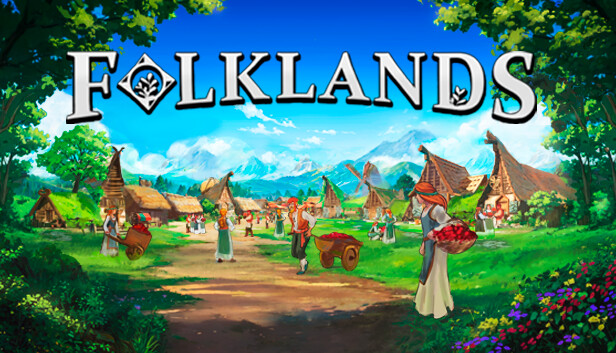
Folklands - PC (Steam)
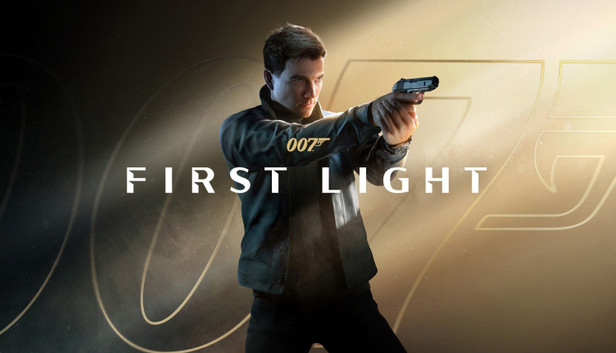
007 First Light - PC (Steam)
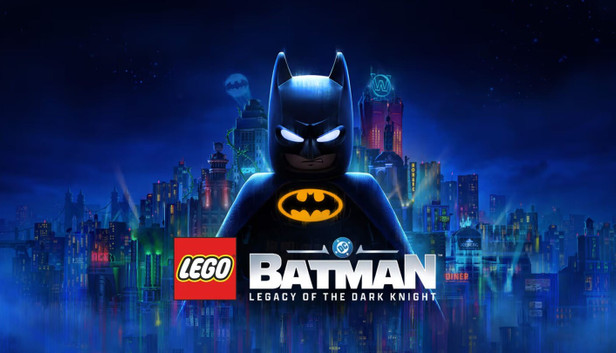
LEGO Batman: Legacy of the Dark Knight - PC (Steam)

The Kingdom of God Steam CD Key
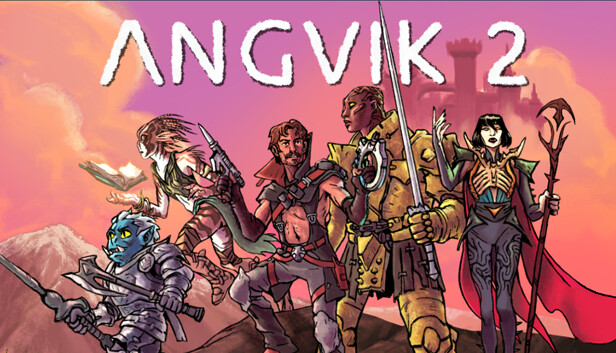
Angvik 2 - PC (Steam)

TouHou Makuka Sai ~ Fantastic Danmaku Festival Steam CD Key
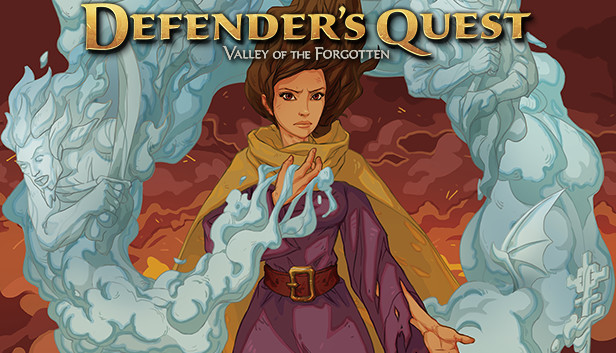
Defender's Quest: Valley of the Forgotten Steam CD Key
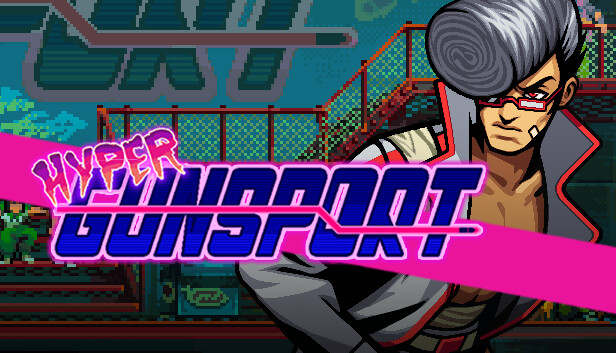
Hyper Gunsport Steam CD Key

Matchpoint: Tennis Championships Steam CD Key
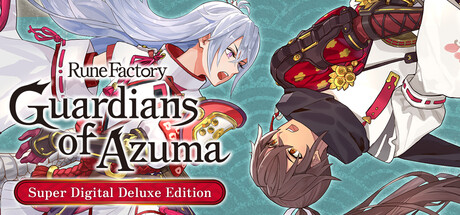
Rune Factory: Guardians of Azuma Super Digital Deluxe Edition - PC (Steam)
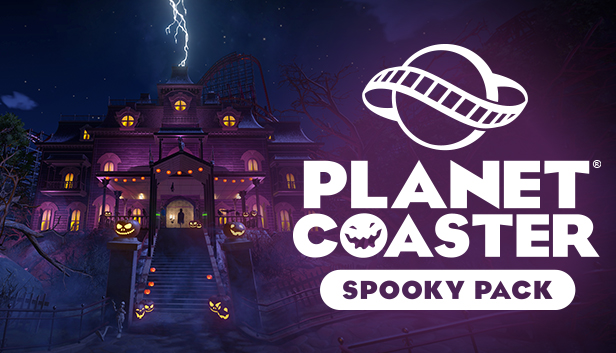
Planet Coaster - Spooky Pack DLC - PC (Steam)
Crusader Kings II - Sons of Abraham DLC - PC (Steam)

Farming Simulator 25 - NEXAT Pack DLC RoW - PC (Steam)
RED CUBE VR Steam CD Key
Crimson Tactics: The Rise of The White Banner Steam CD Key

Resident Evil Requiem Deluxe Edition RoW - PC (Steam)
S.T.A.L.K.E.R.: Clear Sky EU Steam CD Key
Hacknet Complete Edition EU - PC (Steam)
Elemental Guardians - PC (Steam)

LUNA'S TALE - PC (Steam)
Phantom Rose 2 Sapphire Steam CD Key
Lunch Truck Tycoon 2 Steam CD Key
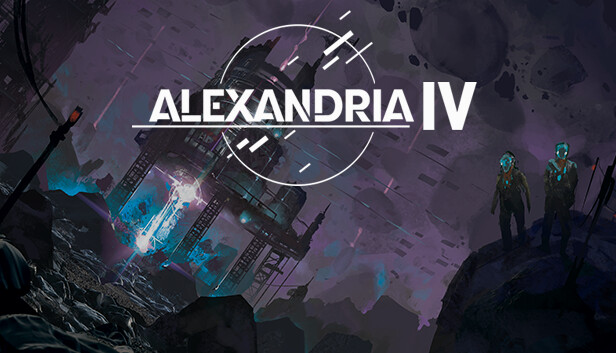
Alexandria IV - PC (Steam)

Seed Hunter ?? Steam CD Key
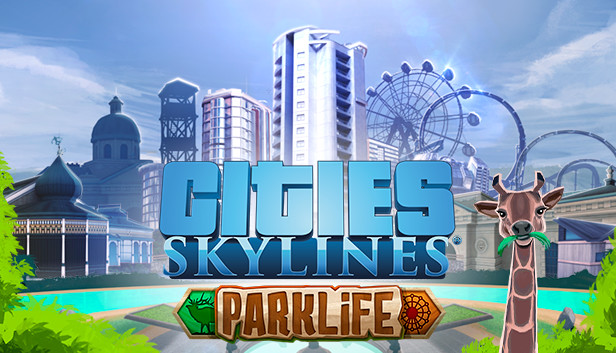
Cities: Skylines + Parklife DLC EU Steam CD Key
Baldur's Gate: Enhanced Edition The Complete Saga - PC (Steam)
Buy Cheap Steam & PC Keys
Discover a wide selection of Steam and PC games as digital keys – from the latest releases and classics to DLCs and expansions. All keys are activated directly on your Steam account.
Delivery is digital and usually takes just a few minutes after purchase – no waiting for shipping, ready to play right away.
How to activate your Steam key
- Open the Steam app or go to store.steampowered.com on your PC.
- Log in with your Steam account.
- Select "Activate a Product on Steam" from the menu.
- Enter the key you received and confirm – the game will be added to your library.
What to keep in mind when buying Steam keys
- Check the region restrictions for each key before you buy (e.g. EU, Global).
- Some keys are tied to specific language versions – the supported languages are listed on the product page.
- A Steam account is required for activation. If you don't have one yet, you can create it for free on Steam.
Frequently asked questions
Do Steam keys work worldwide?
That depends on the specific key. Region details (e.g. EU or Global) are shown directly on the product page.
Do I need an existing Steam account?
Yes, you need a Steam account to activate a key. Creating one is free and only takes a few minutes.
How quickly will I receive my Steam key?
Usually within a few minutes after payment is confirmed, delivered by email and in your PSGameZone account.
What should I do if the key doesn't work?
If you have any trouble activating your key, just contact our support team – we'll help you quickly.